Windows 11 24H2 end of support: what changes October 13
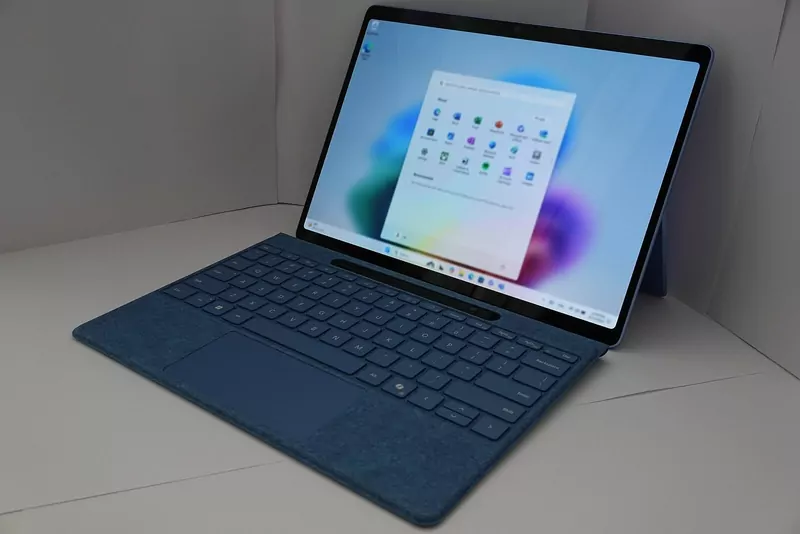
Windows 11 version 24H2 stops getting updates on Tuesday, October 13, 2026, for Home and Pro PCs. That is the last Patch Tuesday for those editions. After it, Microsoft says they get no more monthly security updates, no fixes for known issues, no time zone updates and no technical support.
The fix is a free update to a newer version of Windows 11, and many PCs will get it on their own. Here is how to check yours.
Which versions are still supported
| Version | Home and Pro updates end | Enterprise and Education |
|---|---|---|
| 26H2 (released Sept 29, 2026) | October 10, 2028 | October 9, 2029 |
| 25H2 | October 12, 2027 | October 10, 2028 |
| 24H2 | October 13, 2026 | October 12, 2027 |
| 23H2 | Ended November 11, 2025 | November 10, 2026 |
Dates from Microsoft's Windows 11 release information. "Home and Pro" also covers Pro Education and Pro for Workstations. Version 26H1 is only for some new PCs and is not offered as an update.
How to check your version
- Open Settings > System > About.
- Under Windows specifications, look at Version.
- Or press Windows + R, type
winverand press Enter.
If it says 25H2 or 26H2, you have nothing to do. If it says 24H2 and your PC is Home or Pro, read on.
How to update from 24H2
- Wait, and it comes to you. Microsoft says Home and Pro PCs on 24H2 that are not managed by an IT department will receive version 25H2 automatically. You can pick when to restart.
- Or do it now. Open Settings > Windows Update and select Check for updates. If the newer version is ready for your PC, you will see a Download and install option.
- The newest version is 26H2, the Windows 11 2026 Update. Since September 29 it has been rolling out to 24H2 and 25H2 PCs that have Get the latest updates as soon as they're available turned on in Windows Update. Microsoft says a single restart completes it.
- Work PCs are handled by the IT department. Enterprise and Education editions of 24H2 keep getting updates until October 12, 2027.
Still on Windows 10?
October 13, 2026 does not end Windows 10 updates for home PCs enrolled in Extended Security Updates: Microsoft moved that date to October 12, 2027. See Windows 10 end of support: why it's now October 2027.
Sources
- Microsoft release health: Windows 11, version 24H2 and Windows 11, version 25H2 and 26H2
- Microsoft: Windows 11 release information and Windows 11 Home and Pro lifecycle