WhatsApp Parental Controls for Teens: How to Set Them Up

WhatsApp has added optional parental controls for teens. The announcement is dated Sept. 30. Parents and teens set the controls up together, and parents still cannot read chats or hear calls.
The rollout is gradual. WhatsApp says the controls "may not be available in your region yet". Here is how to turn them on and what each setting does.
How do I set up WhatsApp parental controls?
- Update WhatsApp on your teen's phone from the App Store or Google Play, as Stuff advises.
- Open WhatsApp on your teen's phone and go to Settings, then tap Parental controls.
- Confirm your teen's birthdate.
- Follow the prompts to link to your account.
Those four steps come from WhatsApp's own page. If you do not see "Parental controls" in Settings, the feature has probably not reached you. WhatsApp has not named a rollout date or the first regions, so update the app and check again later.
What parents can control
- Privacy settings. Choose who can see your teen's profile photo and who can add them to groups. If your teen wants to relax a setting, they need your approval through a parent-set PIN.
- Group alerts. You are told when your teen joins or leaves a group, or when a group they are in "grows meaningfully in size". WhatsApp has not said how big counts as meaningful.
- Status. Choose whose Status updates your teen can see and who can see theirs. MediaNama lists the options: contacts, contacts except some, selected contacts, or nobody.
- Channels. Choose how your teen uses Channels. Per MediaNama, the options are all channels, only channels a parent approves, or none, and you can also stop your teen from creating one.
- Meta AI. Pick the default 13+ experience or a stricter "Limited Content" setting. The limited setting blocks a wider range of prompts and turns off features that rely on private processing, Stuff reports.
Can parents read a teen's WhatsApp messages?
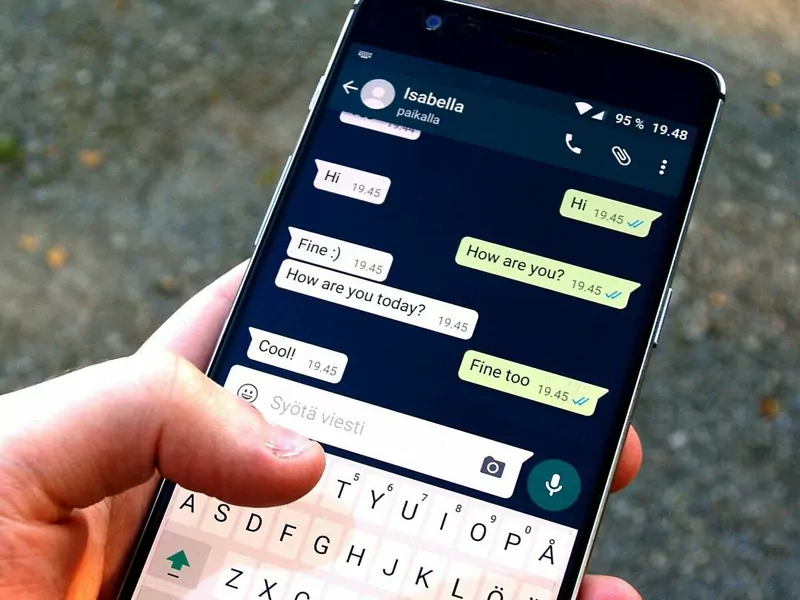
Messages and calls stay private. WhatsApp says that even with the controls on, a teen's personal messages and calls are protected by end-to-end encryption, and that "not even WhatsApp" can see or hear them.
The controls are optional. Parents can change them or switch them off at any time.
Is your child under 13?
The teen controls are for ages 13 to 17. Younger children need a parent-managed account, which WhatsApp describes as a simplified account with built-in controls. By default it can only message people saved in the child's contacts, MediaNama notes.
WhatsApp says the controls are meant to support open conversations between parents and teens. It calls them "just the start", with more to come. Details are as announced on Sept. 30 and reported on Oct. 1, 2026, and may change as the rollout continues.