How to Set Up eSIM on iPhone Duo (It Has No SIM Slot)
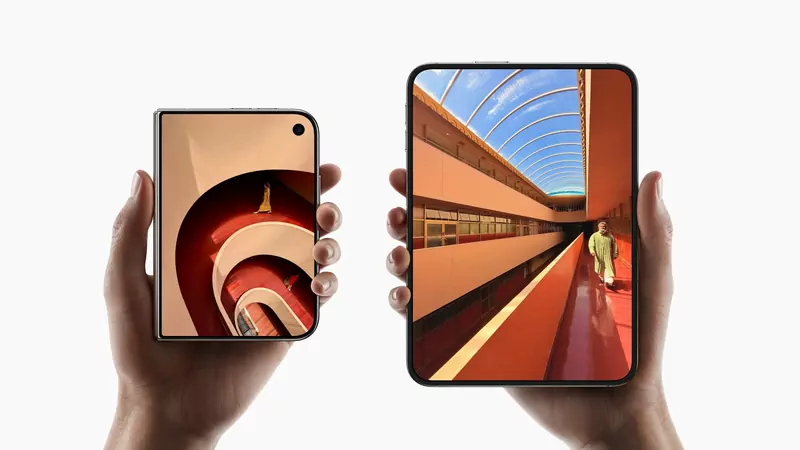
The iPhone Duo has no SIM card slot, in any country. Apple built it as an eSIM-only phone worldwide, so when yours arrives on October 23 you'll move your phone number onto it digitally. It takes a few minutes if your carrier supports eSIM. Here's how to do it from an iPhone, from a SIM card or from an Android phone.
Before your iPhone Duo arrives
- Check that your carrier supports eSIM. Apple keeps a list of carriers that offer eSIM. Without eSIM support, your current plan won't work on the Duo.
- Update your old iPhone. The quickest method, eSIM Quick Transfer, needs both phones on iOS 18.4 or later.
- Know your Apple Account password, and keep your old phone charged and nearby on launch day.
Moving from another iPhone
If your carrier supports eSIM Quick Transfer, you don't need to call them. You need to be signed in to the same Apple Account on both phones, with Bluetooth on and the old iPhone unlocked.
- During setup: when the Duo asks whether to transfer your phone number, follow the prompts. This works whether your old iPhone uses a physical SIM card or an eSIM.
- After setup: open Settings, tap Cellular, then Set Up Cellular or Add eSIM. Pick the plan to move, or tap Transfer From Nearby iPhone, and confirm on your old iPhone.
As soon as the plan works on the Duo, your old SIM stops working. With iOS 26 or later you can move more than one number at a time. Steps from Apple's eSIM setup guide.
Moving from an Android phone
Contact your carrier. They'll either send the eSIM straight to your iPhone Duo or give you a QR code to scan. Apple says that with iOS 26 or later, some carriers and phone makers also support moving an eSIM directly from Android to iPhone.
Other ways to activate
- Bought the Duo from your carrier? The eSIM may already be assigned to it. Turn it on and follow the setup screens.
- Got a QR code? Tap Use QR Code during setup, or scan it later with the Camera app and tap the Cellular Plan Detected notification.
- Got a link or a carrier app? Open the link on the Duo, or install your carrier's app and follow its steps.
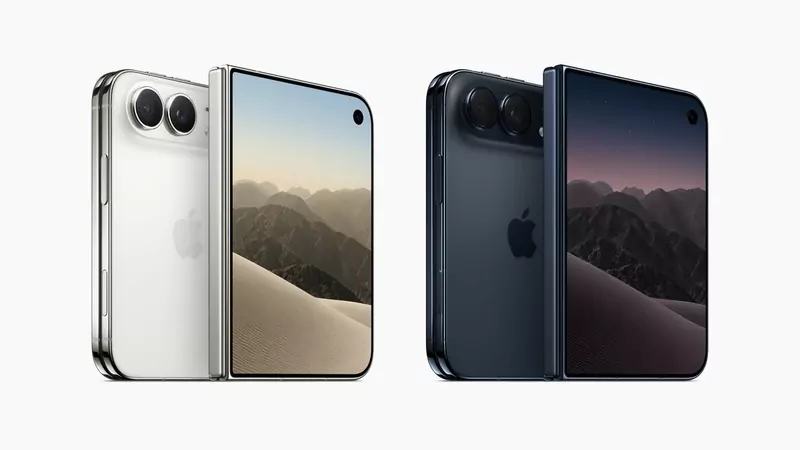
Two numbers and travel
The Duo can use two eSIMs at the same time, for example a personal and a work number, and stores eight or more, according to its tech specs. When you travel, you can add a local data plan as an extra eSIM instead of buying a SIM card at the airport.
One exception to check: mainland China
Apple's eSIM help page doesn't yet list the iPhone Duo among the models that support eSIM in mainland China, and Apple's China store says the Duo will go on sale once it gets approval. If you plan to use the phone there, check with your carrier before you buy.
Quick answers
Does the iPhone Duo have a SIM tray?
No. It's eSIM only in every country.
What if my carrier doesn't support eSIM?
Then you can't use that carrier's service on the iPhone Duo. You'd need to switch to a plan or carrier that offers eSIM.
Can I keep using my old iPhone with the same number?
Usually your old SIM stops working once your number moves to the Duo. But iOS 27 adds iPhone Handoff, which lets you switch one number back and forth between two iPhones if your carrier supports it, according to Apple.